

Fastest Cache Plugin: Speed Up Your WordPress Site Instantly
WordPress Performance / Plugins
January 29, 2026
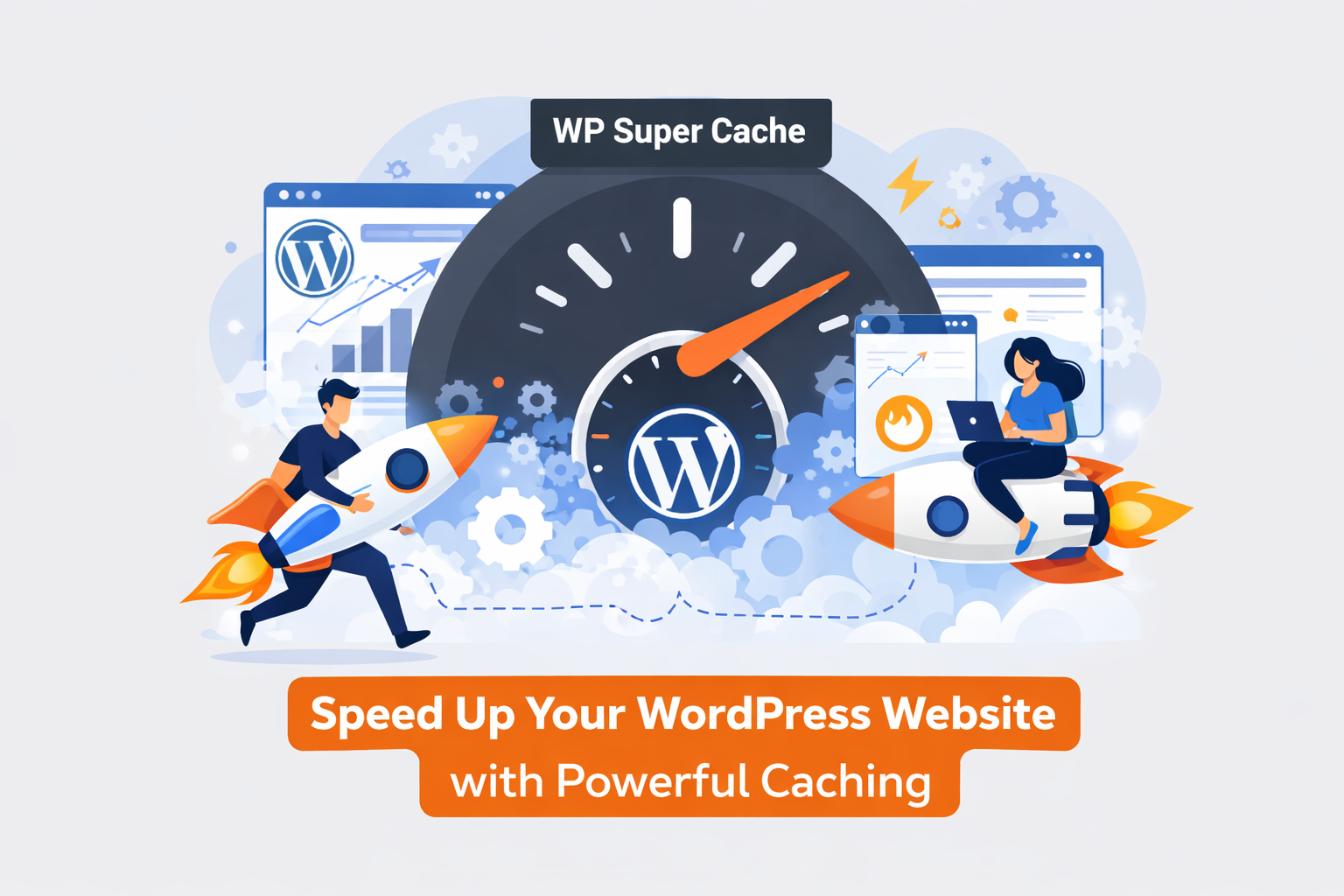
Website speed is no longer optional — it’s a critical factor for SEO, user experience, and conversions. Slow websites frustrate visitors and harm your Google rankings. That’s why caching plugins are essential, and Fastest Cacheis one of the best options for WordPress users.
What is Fastest Cache Plugin?
Fastest Cache is a lightweight, high-performance WordPress caching plugin designed to make your website load faster. It creates static HTML files from your dynamic WordPress content, significantly reducing server processing time and improving page speed.
Key Features of Fastest Cache:
Easy Setup & User-Friendly Interface:
Even beginners can configure caching options quickly without coding knowledge.Browser Caching & Minification:
Fastest Cache enables browser caching and minifies CSS, JavaScript, and HTML files to reduce page load times.Gzip Compression:
Compress files to save bandwidth and speed up the delivery of your website content.Database Optimization:
Clean up your database by removing unnecessary revisions, drafts, and spam comments to maintain peak performance.Cache Preloading & CDN Support:
Preload your cache for faster visitor experience and integrate with CDN (CloudFlare) services to serve content globally with minimal latency.Mobile & SSL Support:
Fully compatible with mobile-friendly sites and secure SSL configurations.
Why Choose Fastest Cache Plugin?
Lightning-Fast Performance: Reduce load times dramatically with minimal server resources.
SEO-Friendly: Google favors fast websites, so caching improves both speed and rankings.
Lightweight & Compatible: Works seamlessly with most WordPress themes and plugins.
Free & Premium Options: The free version covers essential caching needs, while the premium version adds advanced features like image optimization and fragment caching.
How to Get Started:
Install the Fastest Cache plugin from the WordPress repository.
Activate the plugin and enable caching features.
Configure options such as minification, browser caching, and Gzip compression.
Test your site speed using tools like Google PageSpeed Insights or GTmetrix.
Monitor performance improvements and tweak settings for optimal results.
Many WordPress users are improving their rankings with "Rank Math", a powerful SEO plugin with advanced
In conclusion, the Fastest Cache plugin is an essential tool for anyone looking to enhance WordPress website speed. Whether you run a blog, eCommerce store, or business website, this plugin ensures faster loading times, improved SEO, and a better user experience.









Detectors
We do not sell your email. We do not spam.