

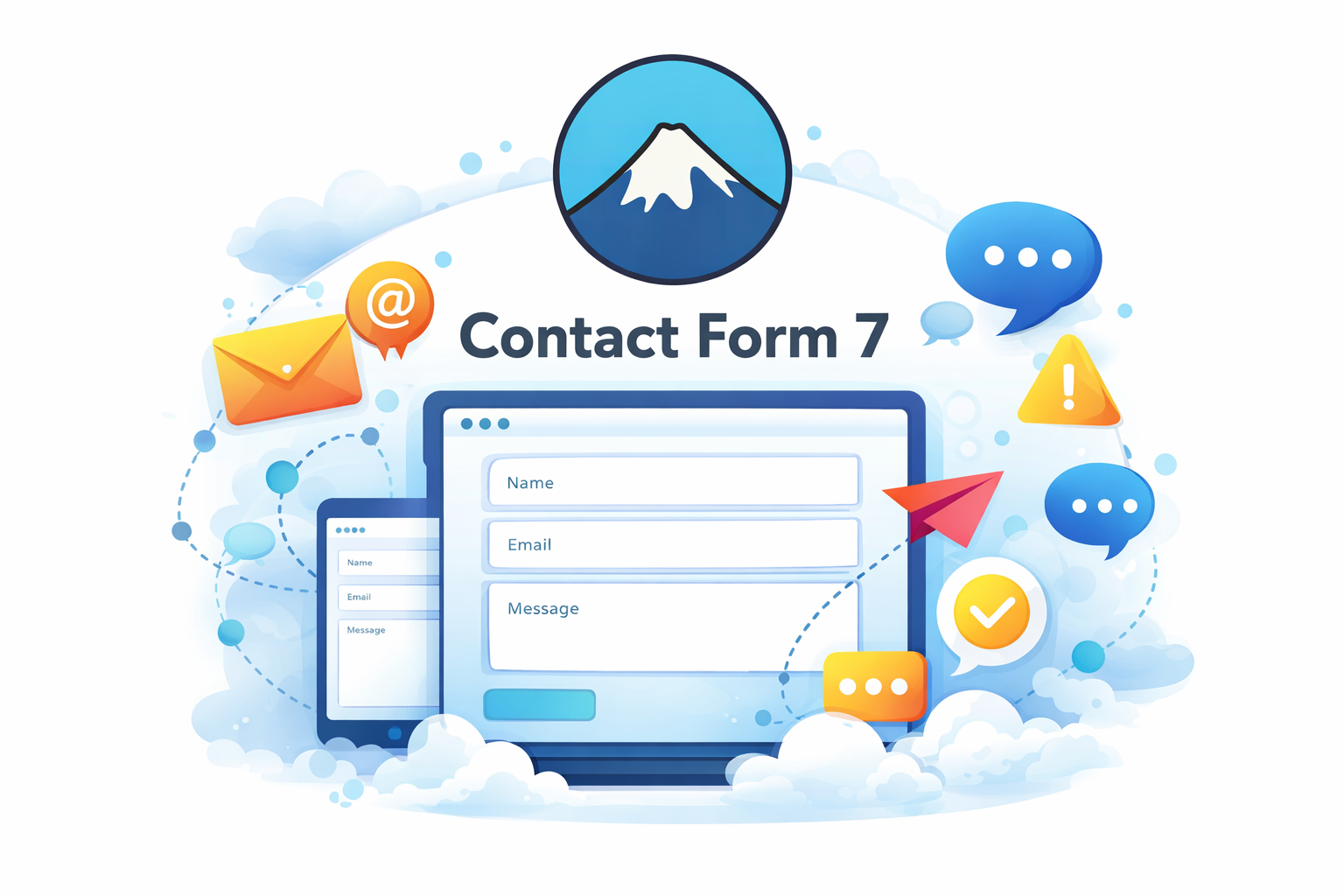
Contact Form 7: Simple and Reliable WordPress Contact Form Plugin
WordPress Plugins / Forms
January 30, 2026
Contact forms are a vital part of any website. They allow visitors to reach you easily, submit inquiries, request quotes, or send feedback. Among the many form plugins available for WordPress, Contact Form 7 stands out as one of the most trusted and widely used solutions. Known for its simplicity, flexibility, and reliability, Contact Form 7 has been helping WordPress users manage form submissions for years.
What is Contact Form 7?
Contact Form 7 is a free WordPress plugin that allows you to create and manage multiple contact forms on your website. Developed by Takayuki Miyoshi, it focuses on simplicity and performance rather than visual complexity. While it doesn’t use a drag-and-drop interface like some modern form builders, it offers powerful customization options through simple markup and shortcodes.
Contact Form 7 is ideal for users who want a lightweight form plugin that does not slow down their website and works well with most WordPress themes and plugins.
Key Features of Contact Form 7:
Multiple Form Support:
You can create and manage multiple contact forms from a single dashboard. Each form can be placed anywhere on your website using shortcodes.Flexible Form Fields:
Contact Form 7 supports various form fields such as text, email, textarea, dropdown menus, checkboxes, radio buttons, and file uploads. This makes it suitable for both simple and advanced contact forms.Email Notifications:
When a user submits a form, Contact Form 7 can automatically send email notifications to site administrators or custom email addresses. You can fully customize email templates and headers.Spam Protection:
The plugin includes built-in spam protection using CAPTCHA, reCAPTCHA, and honeypot techniques. This helps prevent spam messages and keeps your inbox clean.AJAX-Based Submissions:
Forms created with Contact Form 7 use AJAX for submissions, meaning users can submit forms without refreshing the page. This improves user experience and makes forms feel faster.Highly Extensible:
Contact Form 7 supports add-ons and custom integrations. Developers can extend its functionality using hooks and filters, making it a flexible solution for custom projects.
Why Choose Contact Form 7?
Free & Open Source: Contact Form 7 is completely free to use and open source, making it accessible to everyone.
Lightweight & Fast: It does not add unnecessary scripts or features, keeping your website fast and efficient.
Reliable & Trusted: Used by millions of WordPress websites worldwide, Contact Form 7 has proven stability and long-term support.
Compatible with Popular Plugins: It works well alongside tools like Elementor for page building, WooCommerce for online stores, Rank Math for SEO, Fastest Cache for performance optimization, Akismet Anti-Spam for spam filtering, and Jetpack for security and monitoring.
Contact Form 7 vs Modern Form Builders:
Unlike drag-and-drop form builders, Contact Form 7 relies on shortcodes and markup. While this may feel less beginner-friendly, it offers greater control and simplicity. Users who prefer minimalism and flexibility often choose Contact Form 7 over visually heavy alternatives.
For advanced layouts or styling, Contact Form 7 works seamlessly with page builders like Elementor, allowing you to design visually appealing forms while maintaining performance.
How to Get Started with Contact Form 7:
Install Contact Form 7 from the WordPress plugin repository.
Create a new form using the built-in form editor.
Customize form fields and messages as needed.
Configure email notifications and spam protection settings.
Insert the form into pages or posts using shortcodes.
Best Practices for Using Contact Form 7:
Keep forms short to increase submission rates.
Use spam protection features to avoid unwanted messages.
Test form submissions regularly to ensure emails are delivered correctly.
Combine Contact Form 7 with caching and performance plugins to maintain fast page load times.
In conclusion, Contact Form 7 remains one of the most reliable and efficient contact form plugins for WordPress. Its simplicity, flexibility, and lightweight design make it an excellent choice for bloggers, businesses, and developers alike. While it may not offer flashy visual builders, it excels in performance, compatibility, and long-term reliability. For anyone looking for a free, dependable form solution, Contact Form 7 continues to be a top choice in the WordPress ecosystem.








Detectors
We do not sell your email. We do not spam.